
Your HotelSync onboarding, step by step
See what happens after you connect with HotelSync. From understanding your needs to setting up your property, training your team, and going live, our experts help make the transition smooth, simple, and stress-free.
Trusted by hospitality teams to simplify setup, training, and daily operations.
What to expect with HotelSync
We make the process clear from day one. Here's how your HotelSync journey works.
Understand your property
We start by learning about your property, your current systems, your workflows, and your goals. Whether you manage a hotel, apartments, vacation rentals, hostels, or multiple properties, we identify what matters most for your operation.
Build your setup plan
After the first conversation, our team helps define the best HotelSync setup for your property. We map out the tools, integrations, channels, payment flows, and guest-facing features you need.
Configure your system
This is where your HotelSync environment starts taking shape. We help configure your property, connect the right tools, and make sure your system is ready to support real daily operations.
Train your team
Your team gets guidance on how to use HotelSync confidently. We help your staff understand the workflows that matter most — from reservations and front desk tasks to payments, housekeeping, guest communication, and reporting.
Go live with confidence
Once everything is ready, we help you move into live operation. Your team can start managing bookings, payments, channels, guests, and operations from one connected HotelSync platform.
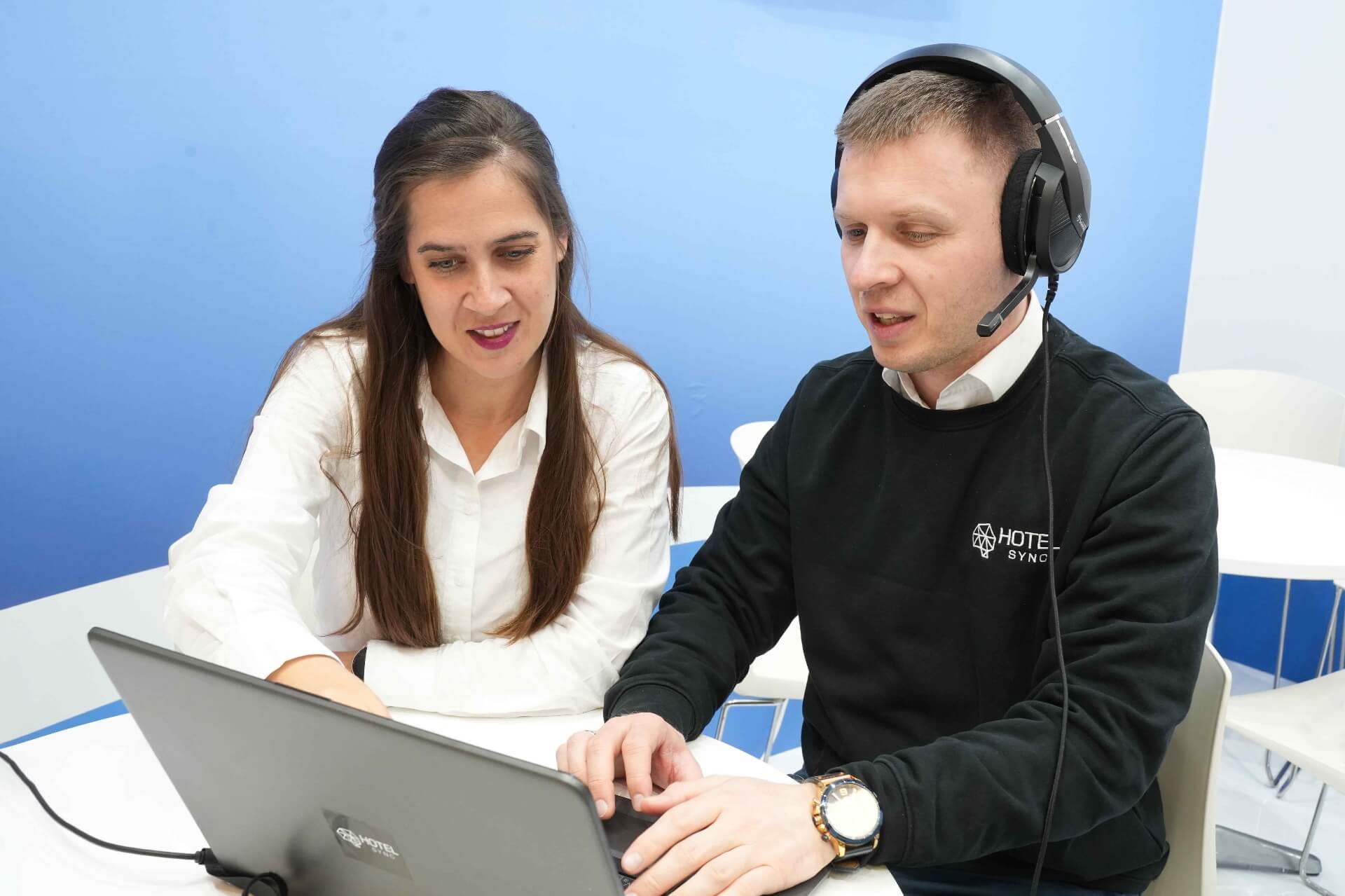
Support that continues after go-live
Going live is only the beginning. HotelSync support stays with you as your property grows, your workflows evolve, and your team needs help along the way.
Ongoing support
Help when you need it, even after setup is complete.
Product guidance
Learn how to get more value from HotelSync features.
Continuous improvements
Benefit from updates, improvements, and new product capabilities.
Hospitality-focused assistance
Work with people who understand hotel operations, not just software.
Availability depends on the plan you subscribe to.
Keep learning. Keep improving.
HotelSync helps your team continue learning with product guidance, best practices, support resources, and training materials designed for modern hospitality teams.
Product tutorials
Step-by-step videos covering the workflows your team uses every day.
Best-practice guides
Practical playbooks built from real hospitality operations.
Help Desk resources
Searchable articles and answers, available whenever you need them.
Team training
Onboarding sessions and refreshers to keep your staff confident.
Feature updates
Stay current with new releases and product improvements.
Don't take our word for it
Palomar Group, Valencia
“My sincere opinion on the HotelSync software is that it has helped our daily work, speed, and efficiency. The system made the reservation process easier because it sends all the guest data directly to our PMS.”
AR Hotels Chani, Germany
“Until today, in Germany, we haven’t found a company that was offering us a solution of one interface and basically one face-to-customer concept.”
Hotel Porto Palace, Tivat
“The software has helped us a lot by making creating reservations much easier and faster.”
Hotel Rajska, Jahorina
“HotelSync has helped us make sure that each of our guests walks out of here satisfied.”
Hotel Aquastar, Kladovo
“A good PMS is extremely important for automation of tasks, and that is why we decided on HotelSync.”
Palomar Group, Valencia
“My sincere opinion on the HotelSync software is that it has helped our daily work, speed, and efficiency. The system made the reservation process easier because it sends all the guest data directly to our PMS.”
AR Hotels Chani, Germany
“Until today, in Germany, we haven’t found a company that was offering us a solution of one interface and basically one face-to-customer concept.”
Hotel Porto Palace, Tivat
“The software has helped us a lot by making creating reservations much easier and faster.”
Ready to see how HotelSync works for your property?
Book a demo and our team will walk you through the platform, answer your questions, and show you what setup can look like for your property.
 English
 Deutsch
 Français
 Hrvatski
 Srpski
 Crnogorski
 Italiano
 Español
 简体中文
简体中文 Magyar
 Português
 Română
 Русский
 Shqip
Shqip Nederlands
 Ελληνικά
 العربية
 Български